Why Good UI Feels Invisible
The best interfaces often go unnoticed because they remove friction and help users focus on their goals instead of the design itself.

Ahmad Tarabein
Software Developer · May 17, 2026
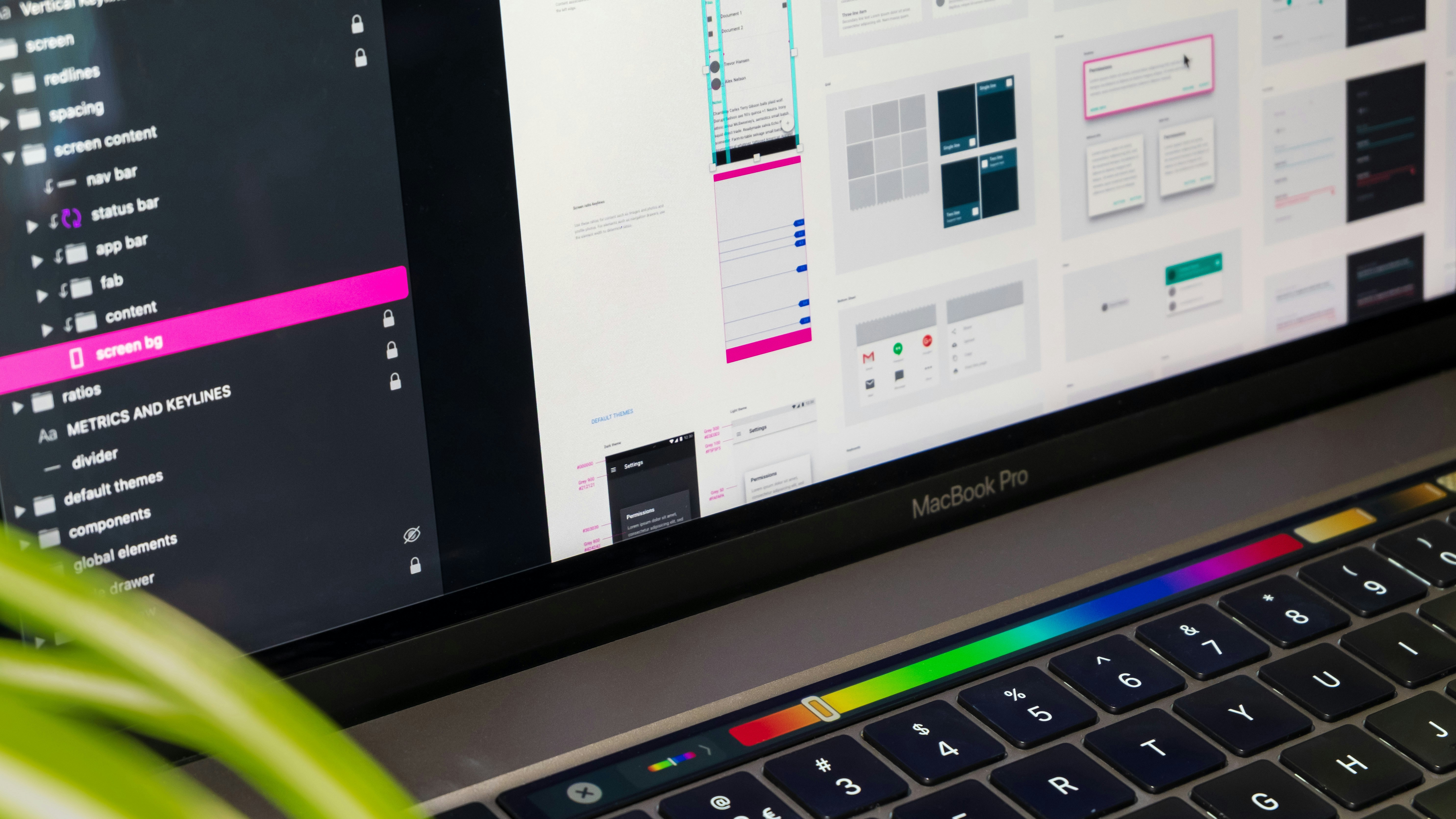
When people think about great user interfaces, they often imagine flashy animations, futuristic layouts, or colorful graphics. But in reality, the best UI design is often invisible.
A good interface allows users to complete tasks naturally without stopping to think about how the product works. Users should focus on their goals, not on learning the interface itself.
Simplicity Creates Confidence
Simple interfaces reduce cognitive load. When buttons are predictable, navigation is clear, and layouts follow familiar patterns, users feel comfortable immediately.
For example, placing navigation at the top of a website or using recognizable icons like a shopping cart helps users interact faster without confusion.
Consistency Matters
Consistency is one of the foundations of UI/UX design. Colors, typography, spacing, and interactions should behave similarly throughout the product.
If one button opens a modal while another identical button redirects to another page, users may lose trust in the interface.
Design systems help maintain consistency by defining reusable components and visual rules.
UX Is About Reducing Friction
User experience is not only about visuals. It includes how users feel while interacting with a product. Slow loading pages, confusing forms, or unclear error messages can frustrate users quickly. A strong UX focuses on removing obstacles:
- Clear onboarding
- Fast interactions
- Accessible layouts
- Helpful feedback messages
- Mobile responsiveness
Invisible Design Wins
When users finish tasks quickly and comfortably, they rarely think about the interface itself. That is the sign of successful UI/UX design. Good design does not compete for attention. It quietly supports the user.